
For users without a subscription to one of our premium services:
How to search on a desktop/ laptop:
Go to fool.co.uk. You may search for any stock in the search bar at the top left-hand corner of your screen.
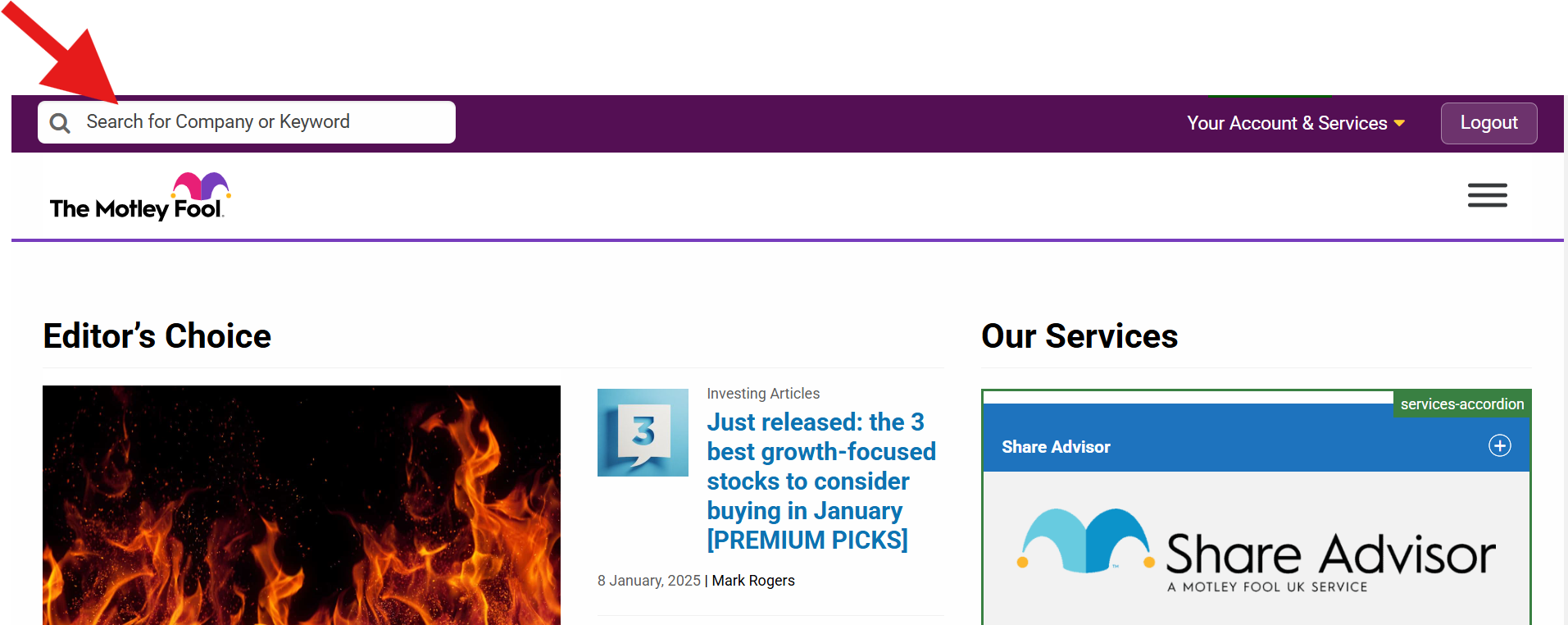
Click in the search box and enter a ticker symbol or the name of the stock you are interested in.
A list of free news articles will appear. For further analysis, interactive charts, a business summary, and much more, open one of the listed articles and click on the ticker.
Please note that our free content does not include official recommendations. The only official Motley Fool recommendations are those we make as part of our regulated advisory services, 'Share Advisor', ‘Hidden Winners’, 'The Ownership Portfolio UK', 'Blast Off UK', 'Extreme Opportunities UK' and 'Microcap Mission' — ie, the ones we have to disclose as a company, under FCA regulations.
Still can't find what you're looking for?
Email us at customerservices@fool.co.uk and we'll get back to you.