This article will walk you through the steps to reset your password.
Please ensure you are on our CA website fool.ca before you go any further.
In the top right-hand corner, if you see 'Your Account & Services', then you are already logged in

To update your password, click on the yellow triangle and then on 'Account Settings'. Click on Change Password and enter your current and new passwords.

If you are not logged in and you do not remember your password, on the top right-hand corner of the screen, click on Member Login.
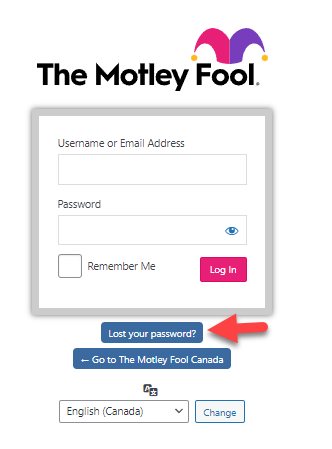
Click on Lost your Password?
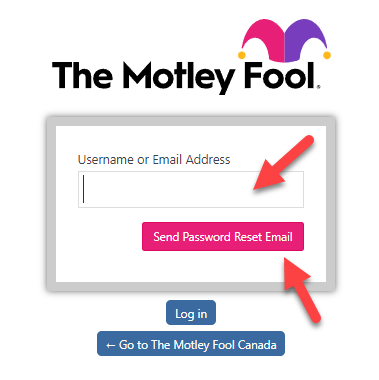
Enter your Username or Email address and click Send Password Reset Email
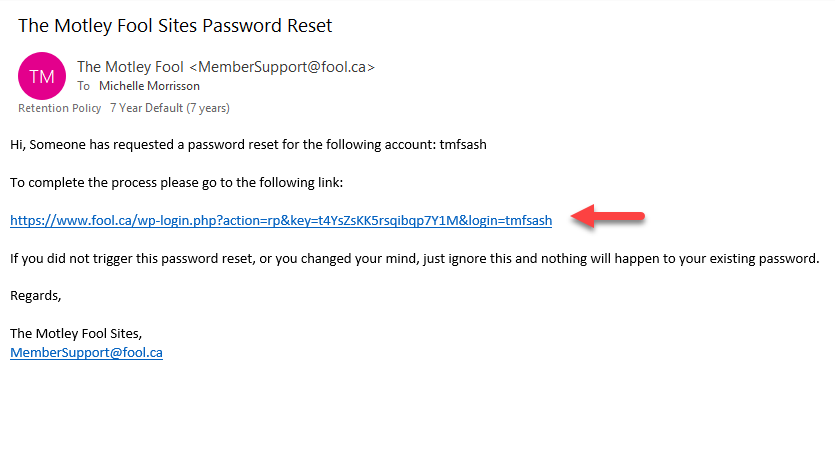
Open up your email and you should receive the following automated email.
(Note: If you have not received an email please check your junk/spam folder)
Click on the link in the email - example below.
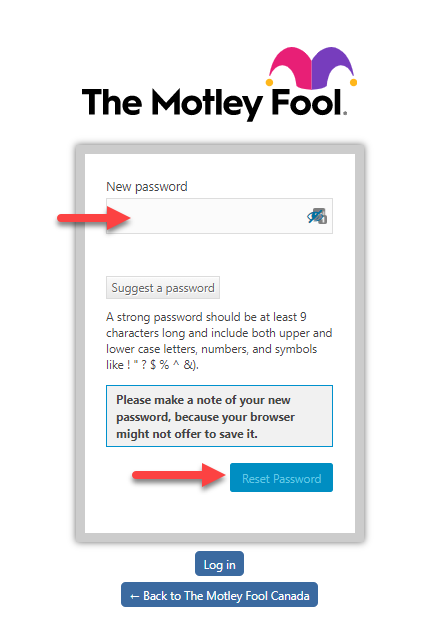
Enter your New Password and click Reset Password and then log in.